Step 01
Create your account
Sign up with your work email, verify your address, and log in to your Phishmake workspace. You can also use Google or Microsoft single sign-on for faster onboarding.

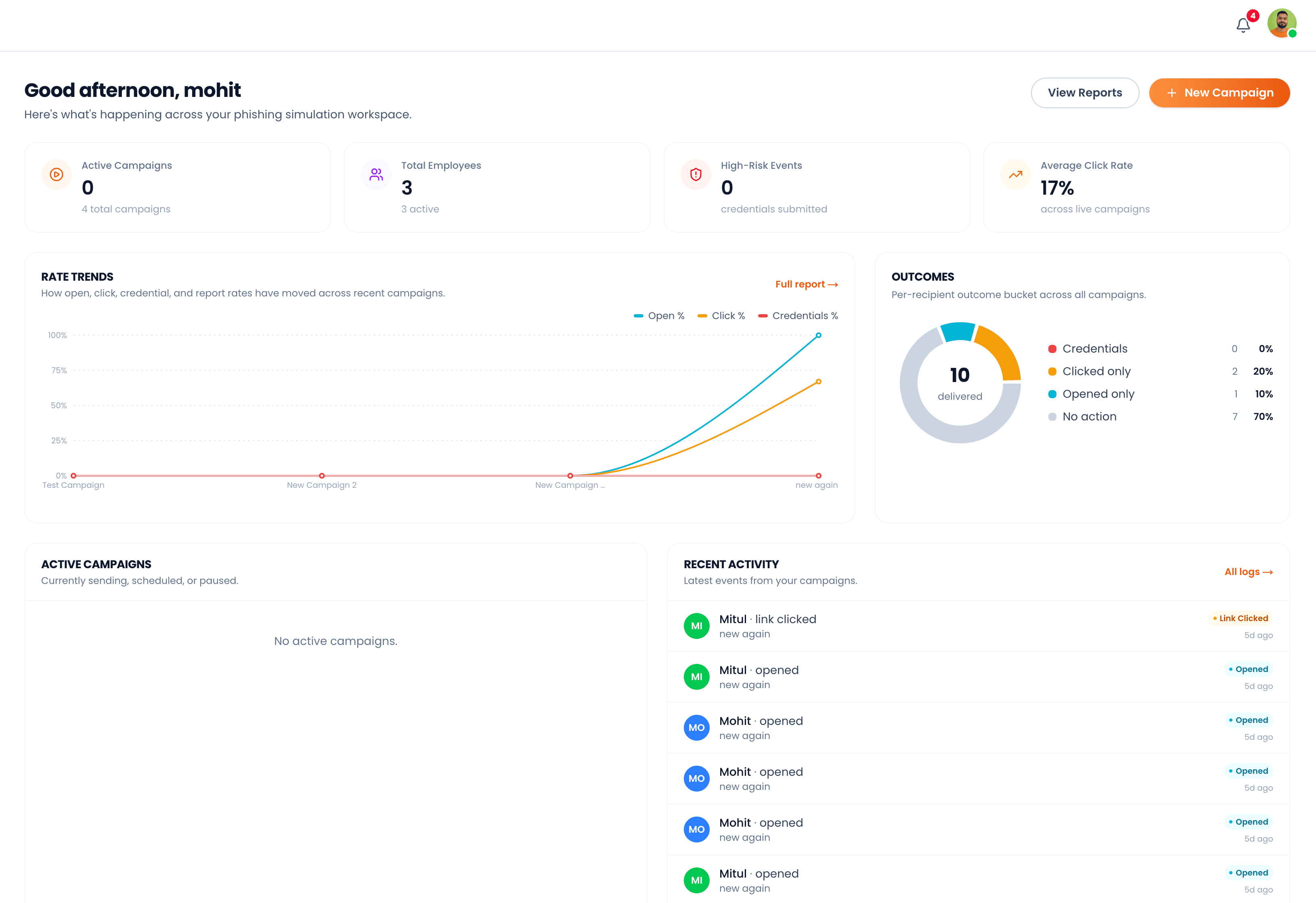
A step-by-step walkthrough of setting up your workspace, launching simulations, and turning results into stronger security habits.
Sign up with your work email, verify your address, and log in to your Phishmake workspace. You can also use Google or Microsoft single sign-on for faster onboarding.
Import your team via CSV or add employees manually. Group people by department, role, or risk level to target your simulations more effectively.
Connect an SMTP server so Phishmake can deliver simulation emails on your behalf. Test the connection in one click and store credentials securely.
Add and verify a custom domain to send realistic phishing simulations. Configure SPF, DKIM, and DMARC records using the step-by-step instructions in the dashboard.
Pick from the built-in library of phishing templates or craft your own using the drag-and-drop email editor. Preview on desktop and mobile before saving.
Select a template, pick your target group, set a schedule, and launch. Phishmake handles delivery, tracking, and any follow-up training automatically.
Watch open, click, and report rates roll in on the live dashboard. Filter by team, campaign, or template to identify where coaching is needed most.
Subscribe to email or in-app notifications for new clicks, suspicious activity, and weekly summary reports. Every action is recorded in the audit log for compliance reviews.


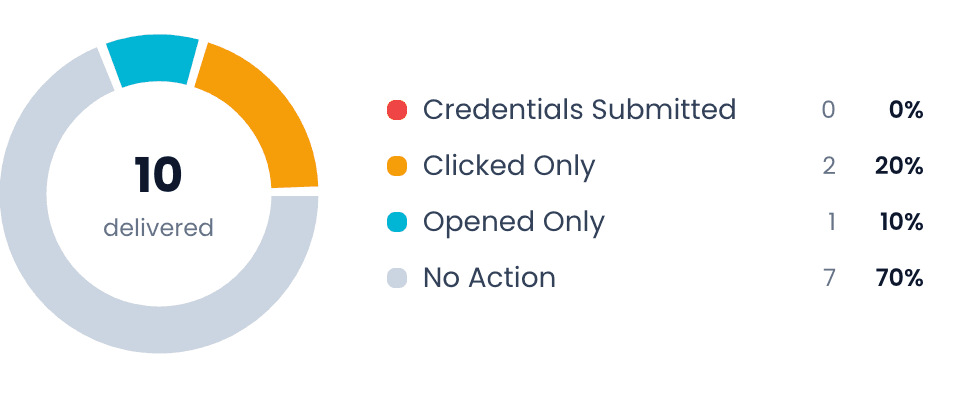
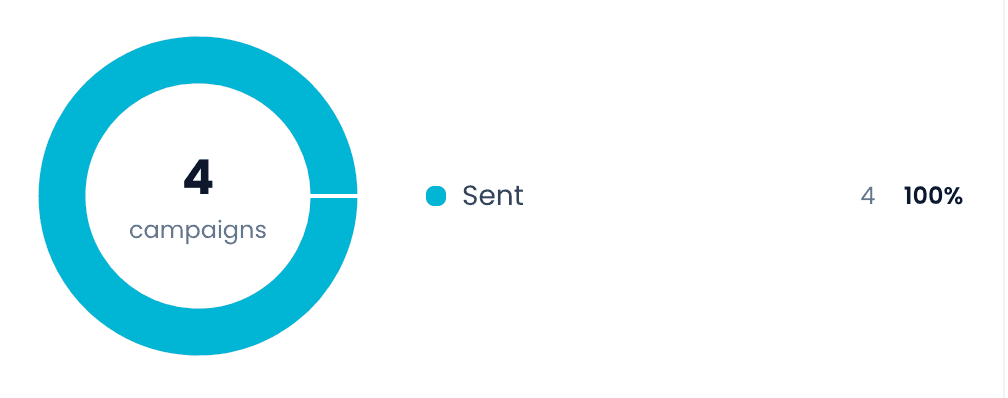
Empower your team with realistic phishing simulations to build resilience, recognize threats, and create a security-first culture across your organization.